
This is a little trick I’ve pulled on some family members in the past and most recently on my boss for April Fools. All you need for this is a working version of Adobe Flash.
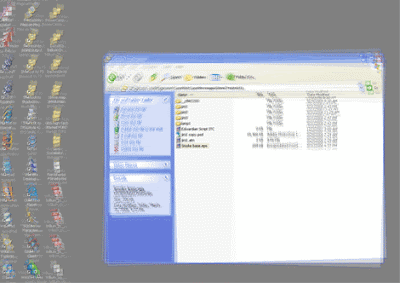
If you cant see whats happening, basically the effect is that the desktop looks like its moving back and forth.
So all I am doing here is tweening 2 instances of the desktop (which i Print Screened) over a static instance. Then all you do is full screen the SWF on your targets desktop. You can do a lot with this little gag including; hiding the users mouse, popping up text and moving icons at will.
Back when GMail did their YouTube contest, i used this gag to simulate the envelope moving across multiple screens.
A few things to remember when doing this are:
Make sure your stage width and height are the same as the target monitor
I use PNG’s of the desktop so there is no quality loss
Make sure you do View -> Full Screen and not just maximize the SWF
* Update: Here are the source files of an example
5 replies on “Desktop Takeover – April fools joke using Flash”
where’s the source!
There are multiple ways to achieve this effect and I didn’t have the time to clean up my desktop to avoid privacy risks so i posted no source.
Where YOUR source…. or even better, WHERES YOUR BLOG
I take that back, found some time and posted a source 🙂
I remember both of these. didnt someone fall off their chair watching the screen one?
@Shaun
Ya I think I remember someone acting all crazy over it. I forget who it was though …. Richie?